
Introduction to Electronics - MicroPython library for the Phyduino Pico
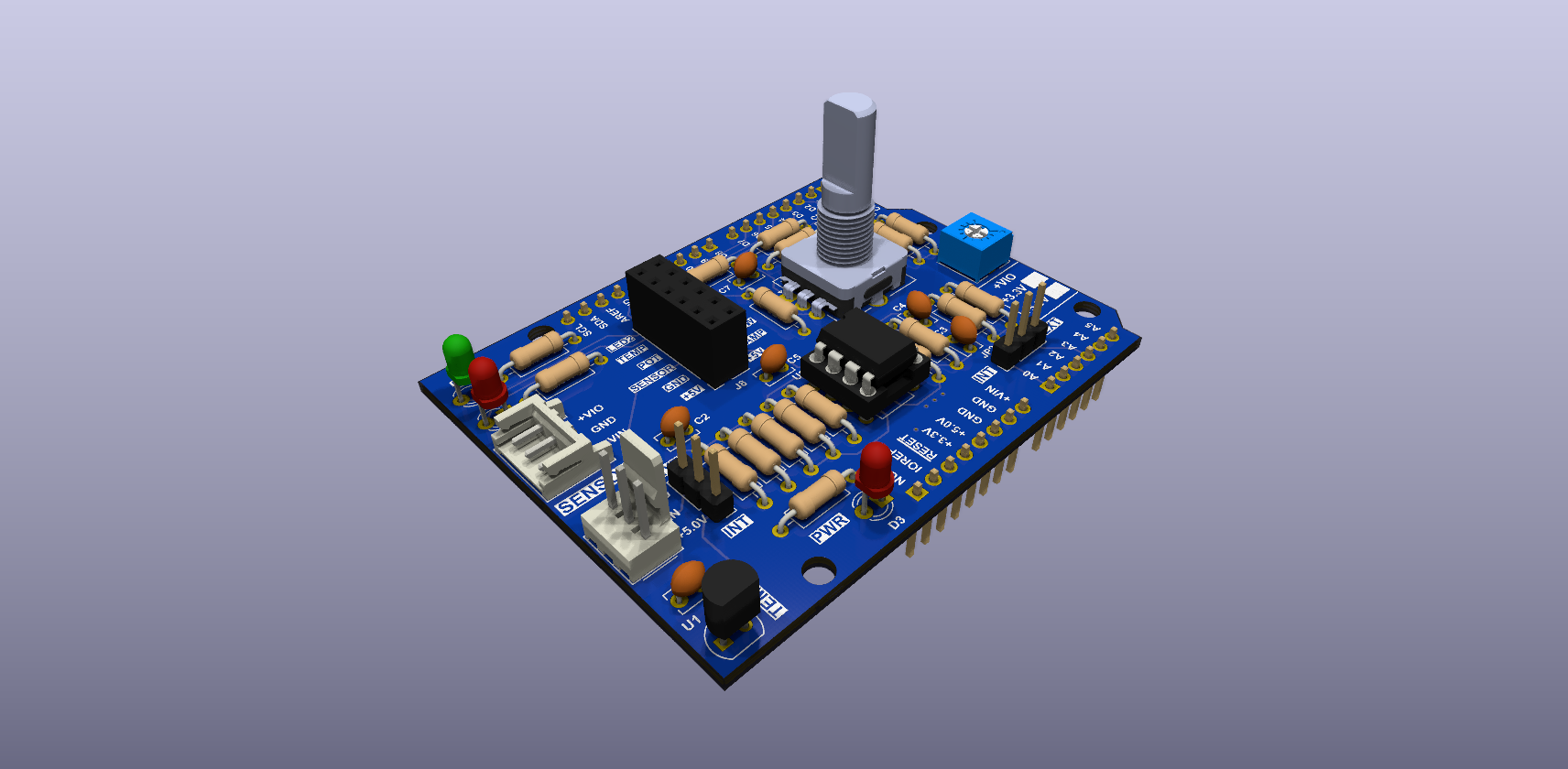
A one-file MicroPython library for the Analog Shield on a Phyduino Pico. Copy it to the board next to your main.py to use the shield's two LEDs, its rotary encoder and push switch, the potentiometer, and the LMT84 temperature sensor through its two-stage op-amp amplifier, with each stage of the amplifier readable in volts.
Set-up
| Setting up the Phyduino Pico | Load the Phyduino Pico firmware, then install mpremote or PyCharm (Phyduino Pico tutorials) | Open |
| Jumpers | JP3 (VIO) on 3.3 V, JP4 on 5 V, JP1 on INT, JP2 on EXT; JP3 and JP4 are solder jumpers and come open | Open |
| Installing the library | Download analog_shield.py from the latest release and copy it to the board: mpremote cp analog_shield.py : | Open |
Documentation
| API reference | Every function, class and constant in analog_shield.py (Doxygen) | Open |
| Examples: arduino.py | The example scripts using the Arduino-style functions (setup() and loop()), with their source, jumpers and output | Open |
| Examples: phyduino.py | The same example scripts using phyduino.py as plain MicroPython, with their source, jumpers and output | Open |