 Phyduino Board Support
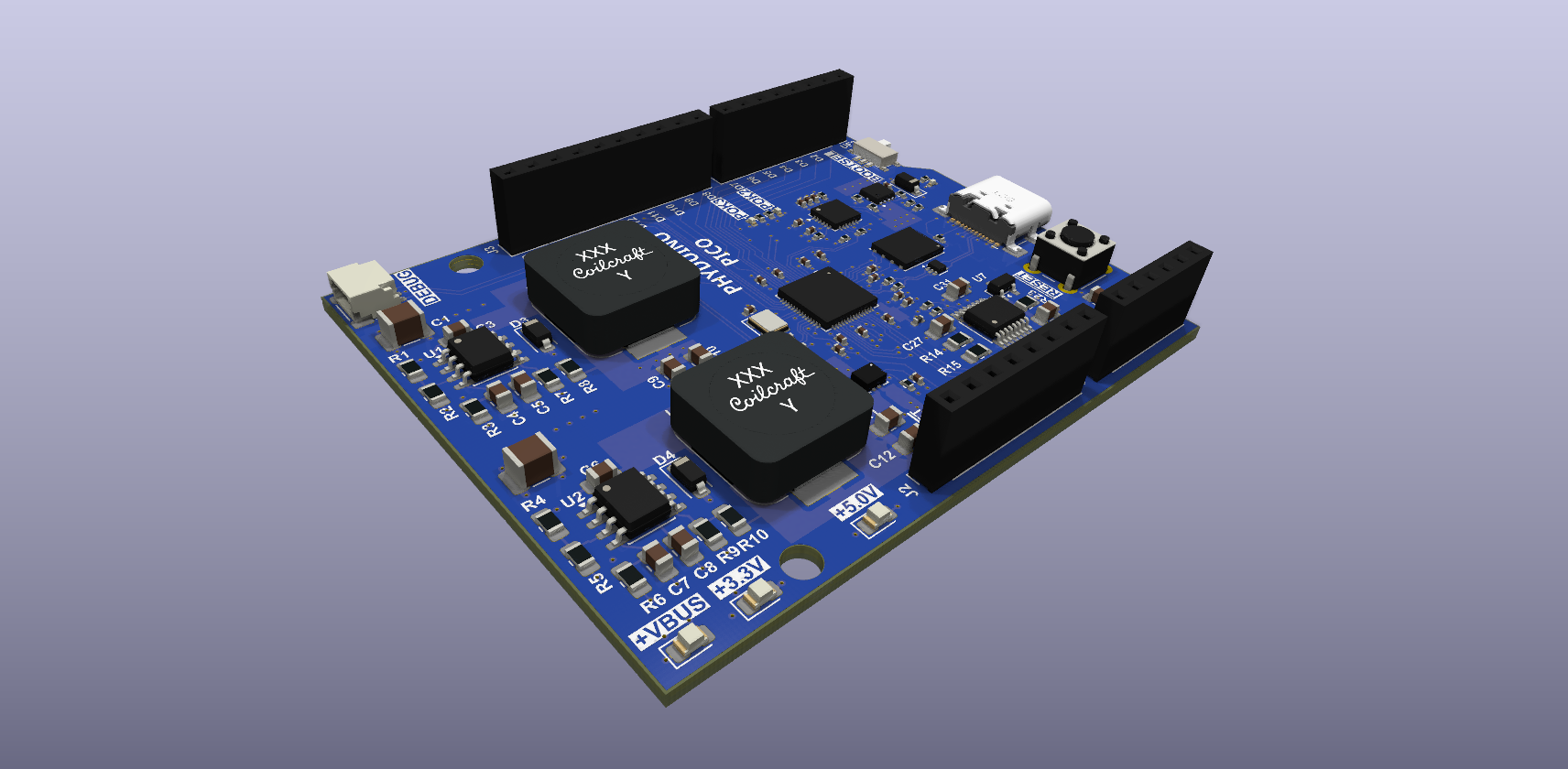
Arduino IDE support for the student-workshop boards. The package is a standalone Arduino core built directly on the Raspberry Pi pico-sdk, so a sketch can use the Arduino API (digitalWrite, analogRead, Serial, SPI, Wire) and the pico-sdk (#include "hardware/pwm.h") side by side. Upload copies the program to the board's USB drive, so no driver is needed.
https://github.com/perc-sw/phyduino_bsp/releases/download/v0.1.0-rc.2/package_phyduino_index.json
| Phyduino Pico | RP2040 · Uno-style header · v0.1.0 | Pin map and notes |
| Phyduino Pico2 | RP2350B · planned for v0.2.0 |
| API reference | Arduino functions on Phyduino boards, Serial ports, pin map, SPI, Wire, USB-PD (Doxygen) | Open |
| Examples | Library example sketches with their source, also under File → Examples | Open |
| Phyduino | Examples for the analog functions (millivolts, averaging, differential, several pins, bursts), USB-PD power (UsbPdPower), the second core (MulticoreBasics, MulticoreFifo) FreeRTOS (FreeRtosTasks, FreeRtosQueue) and CMSIS-RTOS2 (CmsisRtos2Threads) | API |
| SPI | SPI controller on D10–D13 · example: SpiLoopback | API |
| Wire | I2C controller and peripheral on SDA / SCL · examples: I2CScanner, PeripheralReceiver | API |